

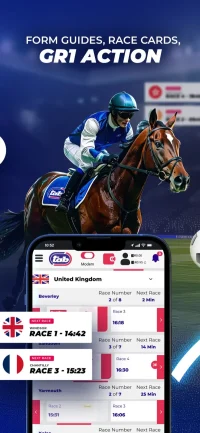
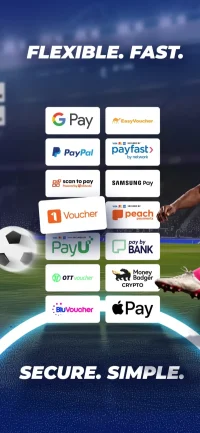
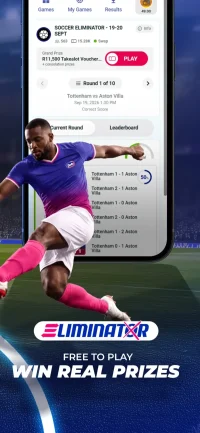
Download the Tab App
Bet on local and international horse racing and soccer with a wide range of betting options and competitive odds.
With convenient banking options and online support, everything you need is right at your fingertips.
Standout Features
- Welcome bonus for new sign-ups
- Extensive betting options with competitive odds
- Convenient banking and online support
How to download the TAB app
Real money apps aren’t allowed in the Google Play Store, so those with Android devices need to download and install the TAB app from this page. Do it in three simple steps:
- Tap the Install button at the top of this page and download the app file (.apk)
- You will then be prompted to install the app
- Once you’ve installed it, the TAB App should be on your device’s home screen
If you’re having difficulty
Make sure to enable “Allow Unknown Sources” on your device before trying again.
After you’ve installed the TAB app, you can disable this feature again.
For Android 8.0 (Oreo) and Newer
- Open Settings on your phone.
- Tap Apps (or Apps & notifications).
- Select the specific app you will use to download or open the installation file (such as Chrome, Files by Google, or Drive).
- Tap Install unknown apps (you may need to tap Advanced or Special app access first depending on your phone model).
- Toggle Allow from this source to On.
For Android 7.0 (Nougat) and Earlier
- Open Settings.
- Tap Security (or Lock screen and security).
- Toggle Unknown sources to On and confirm the safety warning.
On Samsung Galaxy phones, Auto Blocker stops apps from being installed outside the Google Play Store or Galaxy Store. To install the app, you’ll need to switch it off temporarily:
- Open Settings.
- Tap Security and privacy.
- Tap Auto Blocker.
- Turn the switch off and confirm if prompted.